Laptop Repair Blog
Written by Laptop King senior repair engineers. Expert laptop repair knowledge, maintenance tips, and tech insights.
Showing 270 articles

Laptop Keyboard Double-Typing and Key Chattering? An Advanced Hong Kong Guide to Laptop Keyboard Double-Typing Diagnosis and Repair
Press a letter once and two identical letters appear on screen. That phenomenon is called double-typing, also known as key chattering. Behind one identical picture, ten completely different faults can hide: metal contacts bouncing too long, membrane traces oxidised and broken, scissor mechanisms worn out, sugar residue gluing structures together, embedded-controller firmware in a confused state, a damaged driver, an accessibility setting triggered by accident, matrix ghosting, a loose ribbon cable, or repeat settings far too sensitive. This guide starts at the lowest physical layer and works upward, layer by layer: switch bounce and debounce windows, membrane ageing, scissor structures, liquid corrosion, embedded controllers, drivers and Filter Keys, matrix ghosting, and USB comparison, followed by a layered exclusion flow, Hong Kong humidity and commuting wear, eighteen misdiagnosis traps, and a repair, replace or upgrade decision framework. Hong Kong mean annual relative humidity reaches 78 percent, and damp air plus daily commuting vibration age keyboards faster. Reading distribution, timing and feel already narrows most possibilities, and external-keyboard comparison plus BIOS testing then excludes layers one by one.
Laptop Touchpad Gestures Not Working? An Advanced Hong Kong Guide to Laptop Touchpad Gesture and Multi-Touch Diagnosis and Repair
A laptop touchpad gesture failure often presents as normal single-finger movement with two-finger scrolling, three-finger switching, or four-finger gestures suddenly missing. This guide explains the failure layer by layer, from the mutual-capacitance sensing matrix through Synaptics, ELAN, and Goodix controllers, I2C HID transport and PNP0C50 enumeration, the Windows Precision Touchpad driver stack, and the gesture engine, to palm rejection and Accidental Activation Prevention. It covers Code 10 errors, HID descriptor failures, BIOS, Safe Mode, and Linux Live USB exclusion tests, plus eighteen common misdiagnosis traps. A Hong Kong chapter examines Observatory humidity normals, damp-season condensation, wet-hand errors, ribbon cable oxidation, and swollen batteries, with a repair, replacement, and upgrade decision framework and a pre-service checklist for layered diagnosis. Brand diagnostic channels for Lenovo, Dell, HP, ASUS, Acer, and Apple are compared, with driver rollback, chipset installation order, and firmware update guidance included. The guide also explains contact count limits, curtain areas, and firmware palm zones, so edge failure, intermittent gestures, and sleep-wake faults can be separated from genuine module damage.
Laptop Touchscreen Not Responding? An Advanced Hong Kong Guide to Laptop Touchscreen Digitizer Diagnosis and Repair
A laptop touchscreen can stop responding while the picture stays perfect, and the cause can sit in any of seven layers: the digitizer, the controller, the transport path, the Windows touch stack, the ribbon cable, the mainboard, or the charger in the wall. This guide starts with projected capacitive sensing, explaining ITO electrodes, mutual capacitance, signal-to-noise ratio, and report rate, then works through Goodix, Synaptics, ELAN, and Ilitek controllers, I2C HID and USB HID transport, and the Windows driver load order. A layered exclusion method, a symptom reference table, a nine-grid test, and a touch test drawing show how to localise the fault before ordering parts. Hong Kong conditions get their own chapter: high indoor humidity, returning damp, sweat, commuting wear, and third-party charger noise. A twenty-step self-help checklist, sixteen mechanism traps and fifteen practice traps, brand differences across Dell, HP, Lenovo, ASUS, Acer, Surface, and MacBook, and a repair, replace, or upgrade decision framework complete the guide. Every claim is tied to a numbered source, and every price quoted is a confirmed starting price.
Laptop WiFi Connected But Extremely Slow? An Advanced Hong Kong Guide to Laptop WiFi Slow-Speed Diagnosis and Repair
A laptop shows full WiFi signal, yet downloads crawl and video buffers, while another device on the same line runs normally. Connected but slow is a different problem from unable to connect, and this guide treats it as one. It works through the speed chain: PHY negotiation with MCS and channel width, RSSI and signal-to-noise ratio, interference and retransmission, channel-width downgrade, sticky roaming, power saving, drivers, and antenna and card ceilings. Three comparison experiments separate a router fault from a broadband fault, and a chapter on speed-test misreading explains why the test number is not the line speed. The Hong Kong chapters cover dense-housing congestion on 2.4 GHz, concrete attenuation, weak-current-box placement, sourced humidity figures, public WiFi, and eighteen misdiagnosis traps, ending with a repair, replace or upgrade framework. The method is comparison: the same laptop in different places, different devices on the same network, wired against wireless, and morning against evening, with four numbers enough to place the fault in one of six links.
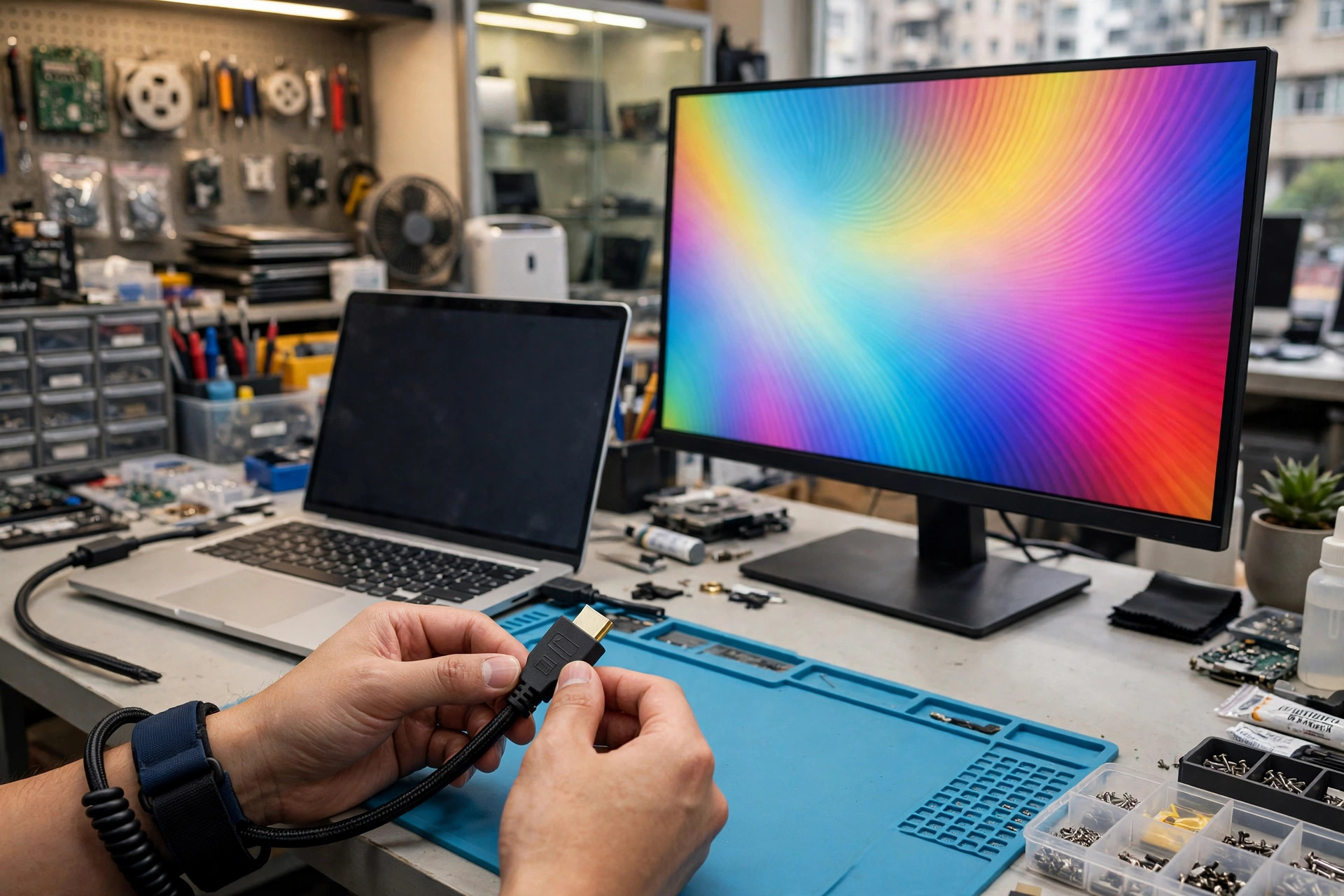
Laptop HDMI to a 4K Display Won't Do 4K 60Hz? An Advanced Hong Kong Guide to HDMI 4K 60Hz Output Diagnosis and Repair
A laptop connected by HDMI to a 4K monitor or TV shows a picture, but not the 4K 60Hz expected: it caps at 4K 30Hz, drops to 1080p, gives no signal, or flickers and blacks out intermittently, each with a different cause. This guide starts with the bandwidth mathematics: 4K 60Hz 8-bit RGB needs 12.54 Gbps of video data and a 15.68 Gbps line rate under CVT-RBv2 timing, or 14.26 and 17.82 Gbps under CTA-861 television timing, so HDMI 2.0 at 18 Gbps only just fits, and 10-bit RGB fits under neither timing, which is why switching HDR on drops the speed. It then takes the chain apart: TMDS versus FRL signalling and the six FRL rates, the EDID handshake, cable certification grades, Intel, AMD, and NVIDIA output limits, MUX and Optimus, USB-C lane allocation, the three dock video paths, Windows and driver behaviour, per-port Enhanced format on televisions, and the bandwidth cost of colour depth, HDR, and VRR. The guide closes with a six-layer isolation procedure, eight common misdiagnoses, a decision framework, and a derived comparison table.
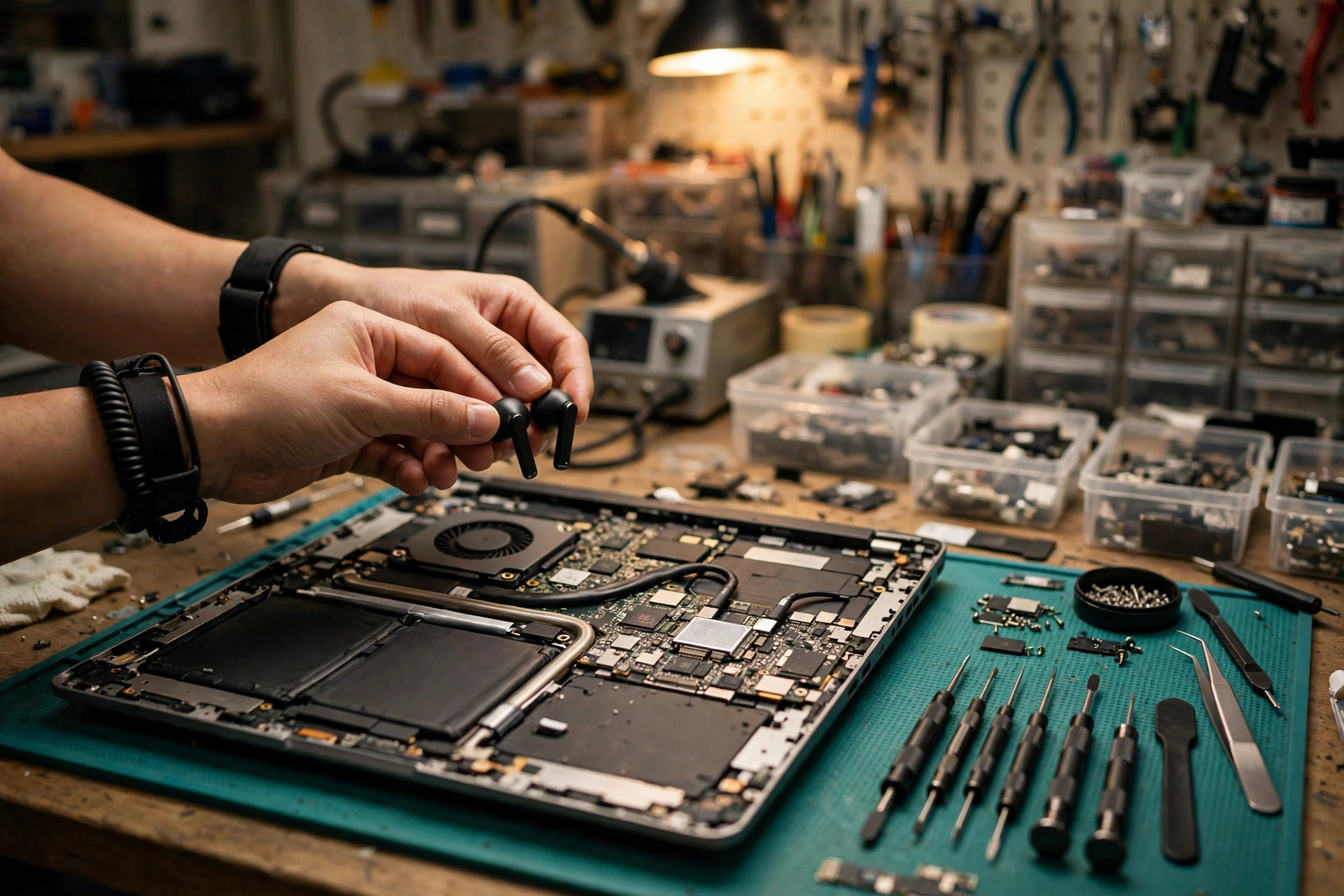
Laptop Bluetooth Headphones Keep Stuttering, Lagging, or Falling Out of Sync? An Advanced Hong Kong Diagnosis and Repair Guide
A laptop playing music, video, or meetings through Bluetooth headphones can stutter, crackle, lag, or fall out of sync, and each symptom has a different cause. This guide starts from the mechanism: the mutually exclusive A2DP and HFP profiles that turn stereo into mono telephone sound the moment the microphone opens; codec negotiation across SBC, AAC, aptX, LDAC, and LC3; packet loss that exceeds what the jitter buffer and packet-loss concealment can hide; 2.4 GHz congestion and adaptive frequency hopping; USB 3.0 noise; the Windows audio stack; drivers and power management; antennas and combo cards. It then converges into symptom classification, controlled comparison tests, a layered diagnosis flow from software to hardware, twelve costly misdiagnoses, and a six-level repair, replace, or upgrade decision framework, with Hong Kong commuting, humidity, and parts reality throughout.
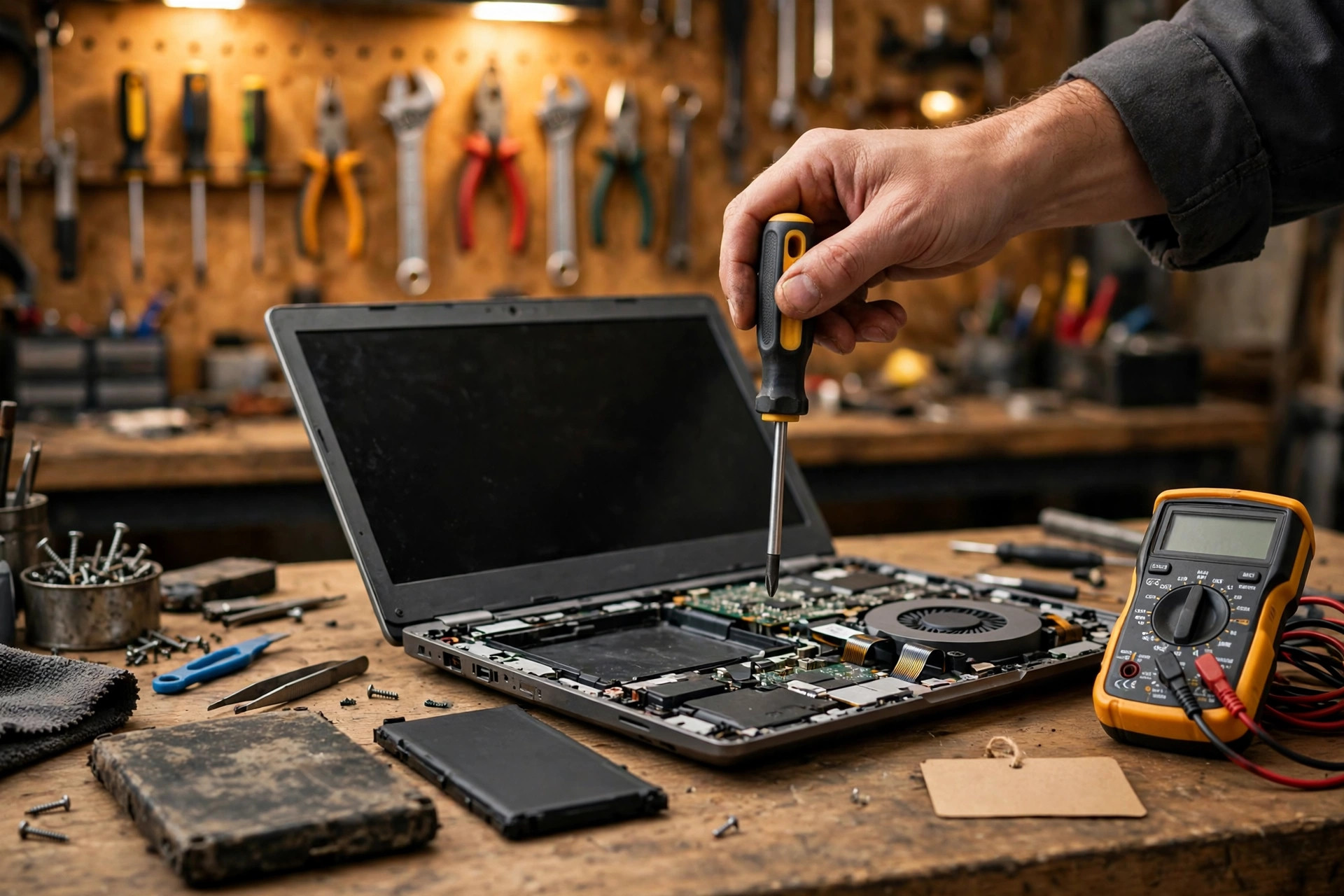
Laptop Repair or Replace? An Advanced Hong Kong Guide to Residual Value, Repair Costs, Age Thresholds, and the Second-Hand Market
A three-year-old laptop with a bright line across the screen, battery life below two hours, and slower booting leaves its owner facing three directions: replace the screen, replace the battery and upgrade the SSD, or buy a new machine. This guide replaces a two-way choice with a three-way comparison of repair, upgrade for extended life, and replacement, measured by total cost of ownership divided by months of use. It covers the residual-value depreciation curve, the two-way effect of slowing Moore's Law, brand differences in residual value, the three numbers of battery health, the three layers of a repair quotation, chip-level repair against board replacement, the three limits of the 50% rule, the 3, 5 and 7 year age thresholds, SSD TBW lifespan, the bathtub curve, upgrade economics and bottleneck shift, iFixit scoring and the French repairability index, Windows 11 and macOS support deadlines, Hong Kong humidity and commuting, second-hand price checks and refurbished-machine traps, misdiagnosis and quotation traps, and a decision tree with checklists that can be followed before inspection.

Laptop Chassis Cracked? An Advanced Hong Kong Guide to A/B/C/D Shells, Broken Screw Posts, and Repair vs Replacement
A cracked laptop shell is a structural failure, not a cosmetic flaw: surface cracks, through-cracks, broken screw posts and deformation each demand a different repair. This guide works through the A, B, C and D layers, explaining three screw-post failure modes and three repair methods — heat-set inserts, epoxy planting and composite reinforcement — and compares plastic, magnesium alloy, aluminium unibody and carbon fibre for crack behaviour and repair limits. Epoxy, plastic welding, solvent welding and metal reinforcement plates are compared against their strength ceilings, with a G0–G4 severity grade, a decision tree and a collection checklist to support a choice between repair, shell replacement and machine replacement. Hong Kong humidity and commuting crush, battery-swelling and hinge misdiagnosis traps, genuine and aftermarket parts supply, warranty terms and DIY risks are covered in full. Shell charges are subject to a written quotation after inspection. Before sending a machine in, record crack position, length, opening noise and battery condition against the self-check list; inspection becomes faster and quotations more accurate. At collection, verify opening, flatness, function and documents item by item.
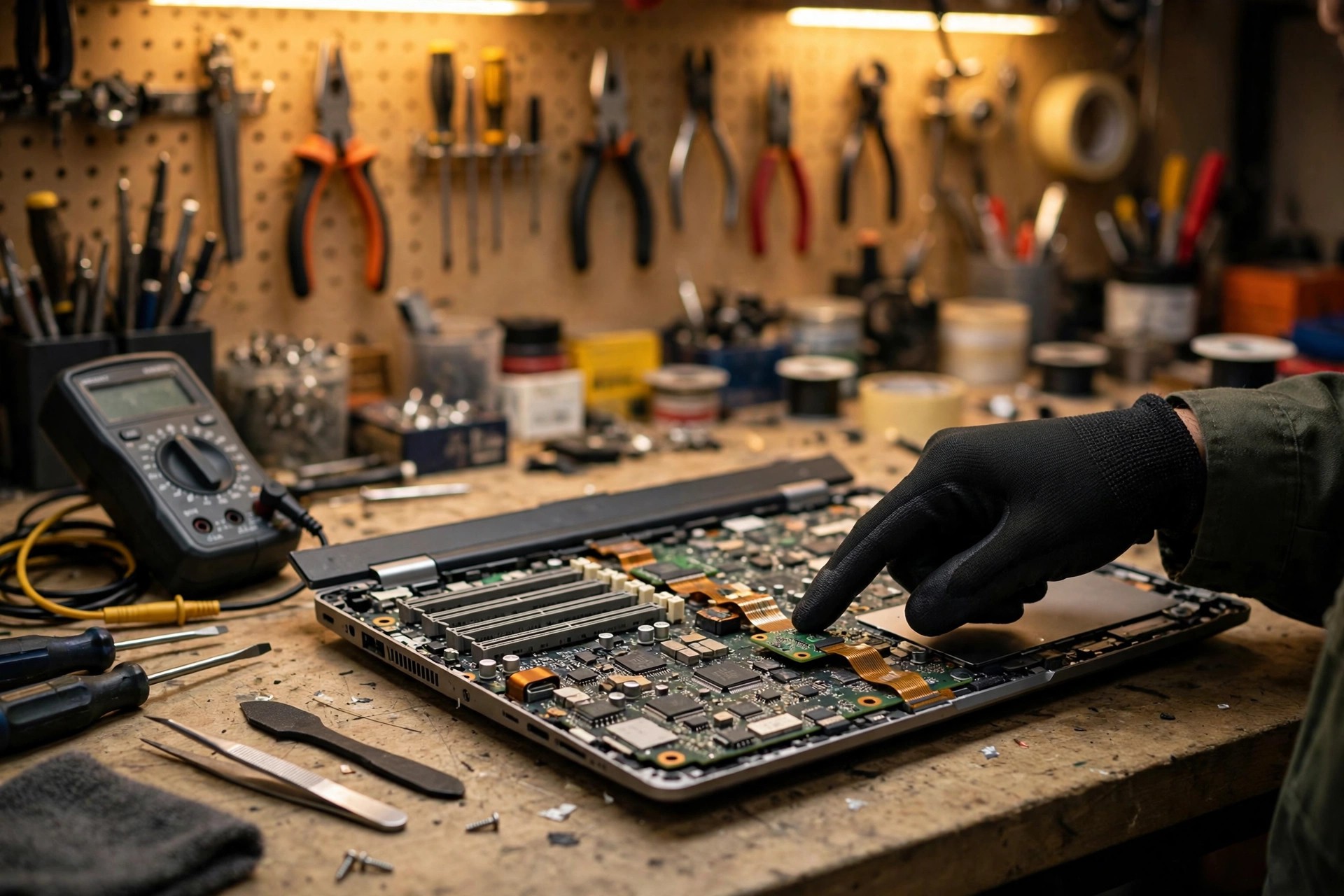
Laptop Power Button Not Working? An Advanced Hong Kong Guide to Power-Button Failure Diagnosis and Repair
A laptop that stays silent after a press of the power button is not showing one fault. A press travels through a metal dome, a flexible cable, a pull-up resistor, a debounce circuit, an embedded controller, standby rails, a charger chip, and a staged power-up sequence, and a break at any stage produces the same outward silence. This guide follows that chain stage by stage. It explains the 16-millisecond debounce window, the 150-microsecond minimum press, the four-second forced-shutdown override, and the reason reset hold times differ between brands. It then follows the G3 to S5 to S0 sequence through RSMRST, the SLP signals, PCH power-good, and platform reset, and examines the standby rails, the real-time-clock battery, and the charger chip thresholds that decide whether an adapter counts as present. Hong Kong conditions receive separate attention: year-round humidity, condensation from air-conditioned rooms, commuting pressure on cables, and three tiers of local parts supply. A twelve-item misdiagnosis table, a repair-or-replace framework, a ten-step self-check list, and safety warnings for swollen batteries and liquid damage close the guide.
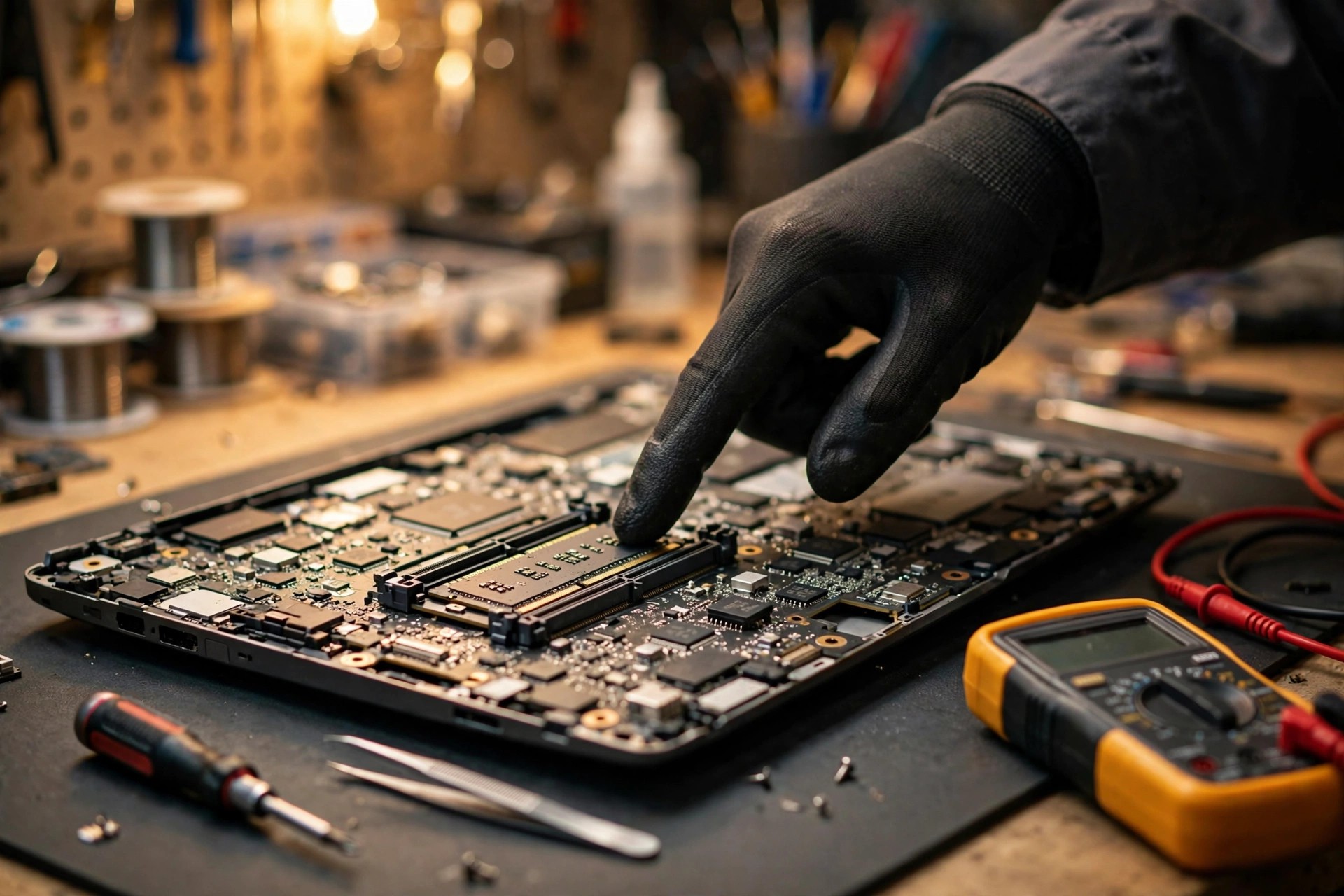
Laptop RAM Slot Failure? An Advanced Hong Kong Guide to SO-DIMM Slot Diagnosis and Repair
A laptop that recognises only one of two memory modules, stays black at power-on, shows blue screens only during gaming, or recovers briefly after reseating may carry a fault in the slot, the board traces, the memory controller, the firmware, or the operating system. This guide starts with contact physics, taking apart slot structure, gold wear, oxidation, fretting corrosion, static damage, and cold joints, then builds a seven-layer fault model and explains DDR4 and DDR5 pins, voltages, dual-channel operation, and Flex mode. Six symptom patterns are triaged, manufacturer diagnostics and the two-by-two cross-test are explained, and MemTest86 error addresses are read correctly, without treating an address as proof of a faulty module. Hong Kong humidity, commuting vibration, parts supply, twelve misdiagnosis traps, the cleaning debate, soldered LPDDR and CAMM2 differences, a repair-or-replace framework, a pre-service checklist, and data backup complete a guide that separates layers before any part is replaced. Every claim is tied to JEDEC, Intel, Micron, Dell, HP, Lenovo, or MemTest86 documentation, and unsupported matters are marked as not verified.

USB Device Keeps Disconnecting and Reconnecting? An Advanced Hong Kong Guide to Laptop USB Disconnect Diagnosis and Repair
When a USB device keeps disconnecting and reconnecting, the symptom looks simple and the cause rarely is. This guide works through the mechanism layer first: enumeration handshakes, the Windows driver stack, selective suspend, U1, U2, and U3 power states, power arithmetic, cable and e-marker capability, and radio-frequency noise. It then turns those mechanisms into practical diagnosis: symptom triage by condition, four-way cross-testing across port, cable, computer, and device, Device Manager and Event Viewer interpretation, manufacturer troubleshooting from Dell, HP, Lenovo, ASUS, Acer, and Surface, dock and DisplayLink troubleshooting, and confirmed Windows known issues. Twenty-five common misdiagnosis traps show where guesswork goes wrong, and a repair, replacement, and upgrade framework sets out how to decide once the fault is located. Hong Kong context runs throughout, from humidity and commuting vibration to low-cost cables, hubs, and local parts reality, so readers can separate layers before deciding the next move. Power comparison tests, external drive sleep settings, SMART interpretation, write-interruption data risk, and a pre-service checklist with questions for repair staff are also covered, so readers arrive at inspection with evidence, not guesswork.

WiFi Shows Connected but No Internet? An Advanced Hong Kong Guide to Laptop WiFi Connected-No-Internet Diagnosis and Repair
WiFi showing connected does not mean a laptop is online, because connection and internet access belong to two different systems. This guide works through thirteen layers, from radio and association, through DHCP, gateway, DNS, WAN, captive portal, drivers, bands, power management, firewall, hardware, and edge settings, using a four-level ping framework and a ten-minute rapid flow to locate faults in order. Hong Kong chapters cover WiFi.HK, MTR, High Speed Rail, providers, fibre, dense housing channel congestion, concrete attenuation, humidity, and commuting wake problems, together with more than twenty common misdiagnoses, a repair, replacement, and upgrade decision framework, and a detailed pre-repair self-help checklist, helping readers separate laptop, router, provider, and authentication page responsibilities. Ninety-two official and technical sources support key judgments, including the meaning of 169.254.x.x, the significance of working IP with failing name resolution, WPA3 association failure evidence, and the interface, platform, and driver checks required before AX210 and BE200 adapter replacement. The result is a practical, evidence-led reference for diagnosis in homes, offices, and public places across Hong Kong.
Showing 13 of 270 articles